
Everything your dog training business runs on. In one place.
Clients, sessions, forms, payments and progress reports, connected to the calendar, video and payment tools you already use.
Works with the tools you already use
 Google Calendar
 Google Meet


- Square
 ChatGPT
 Gmail
The platform
From first enquiry to final report, it all lives here
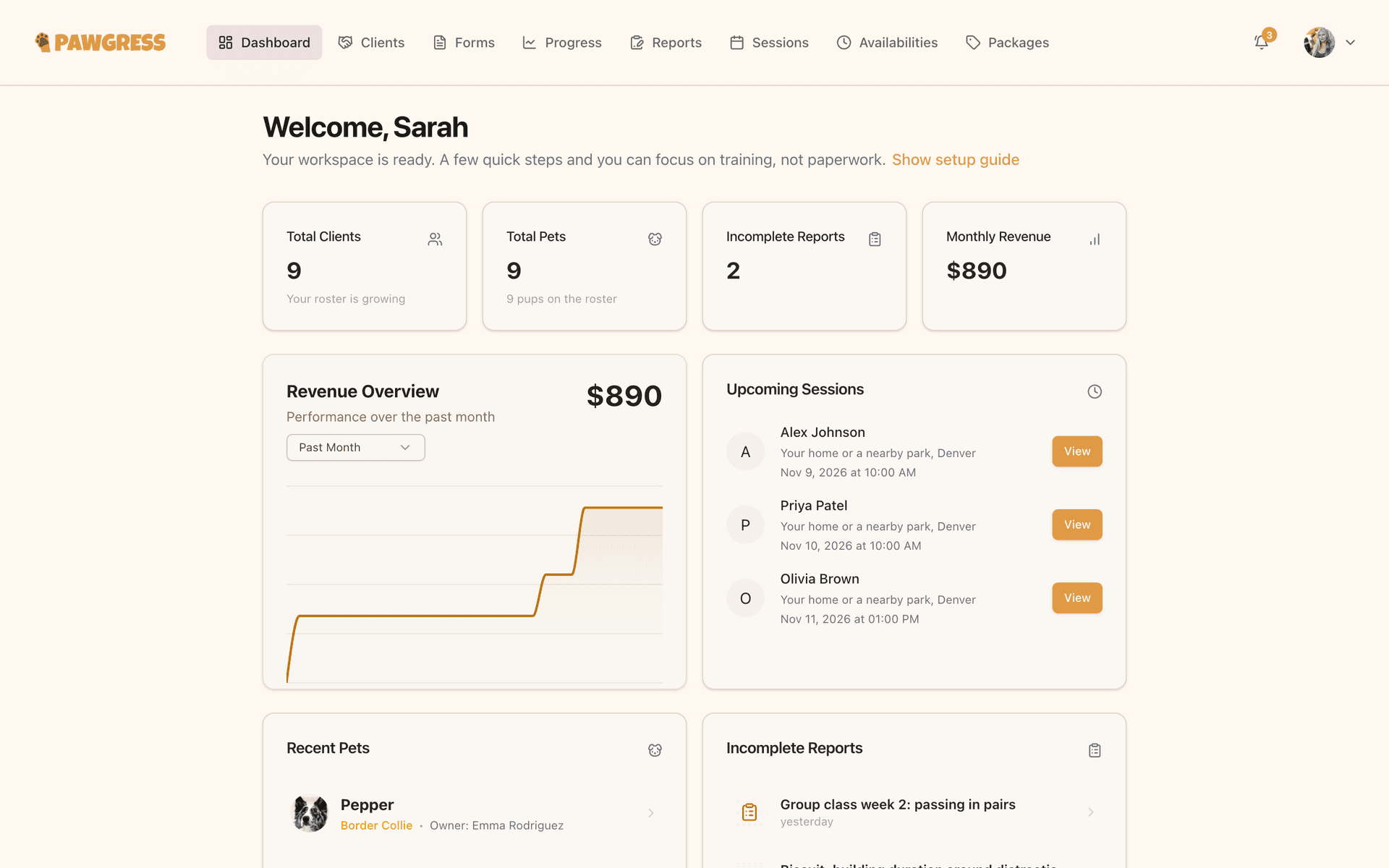
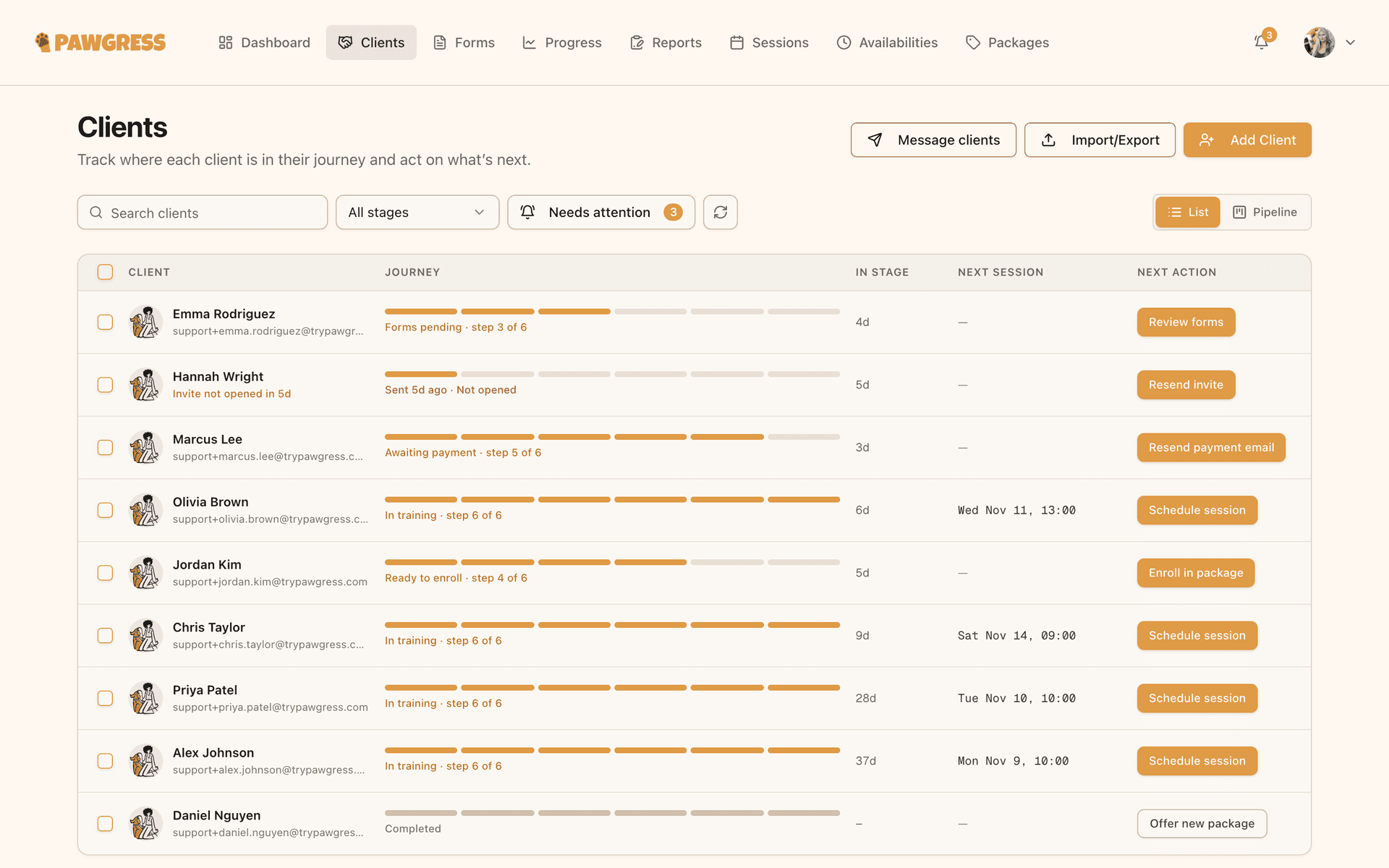
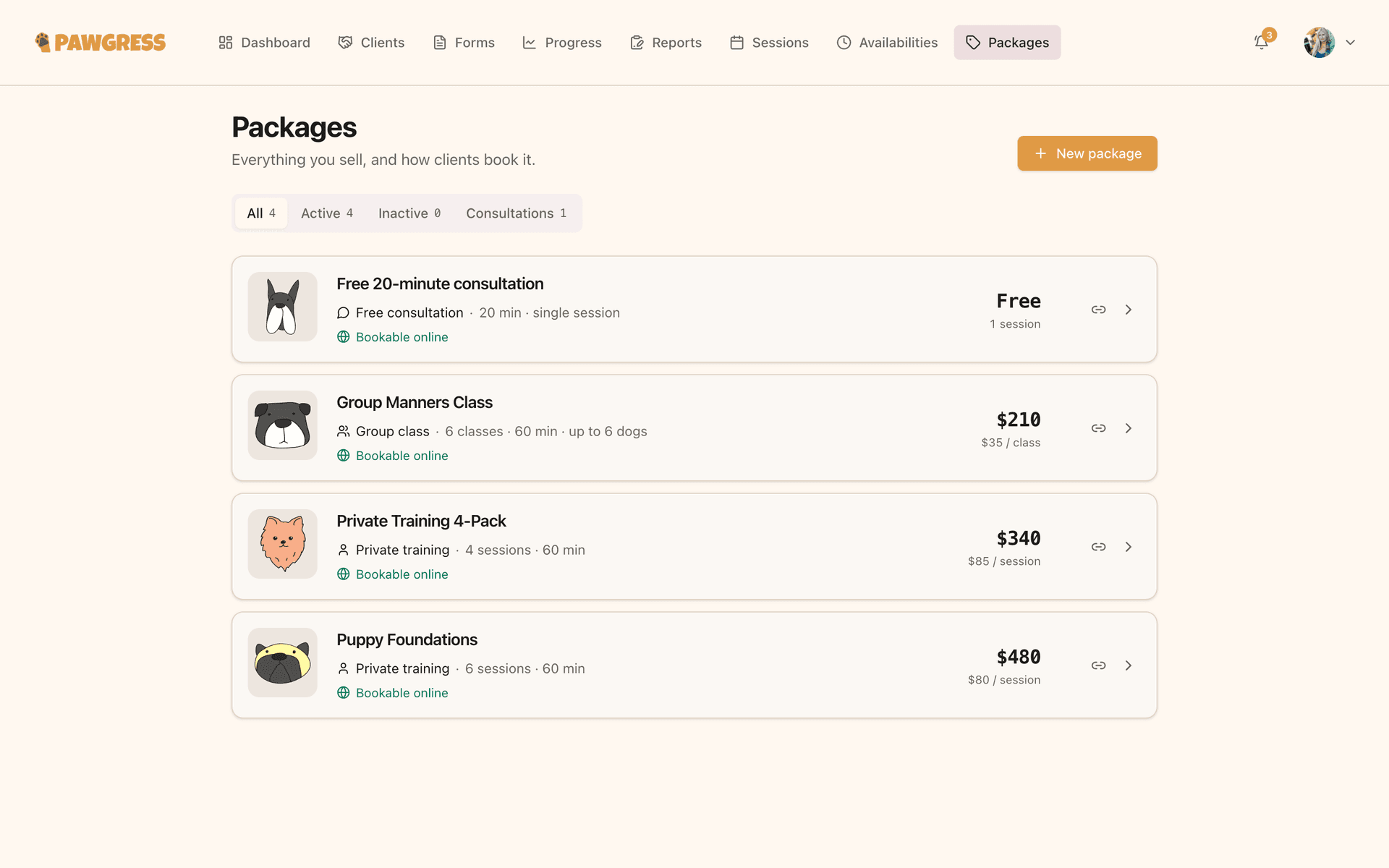
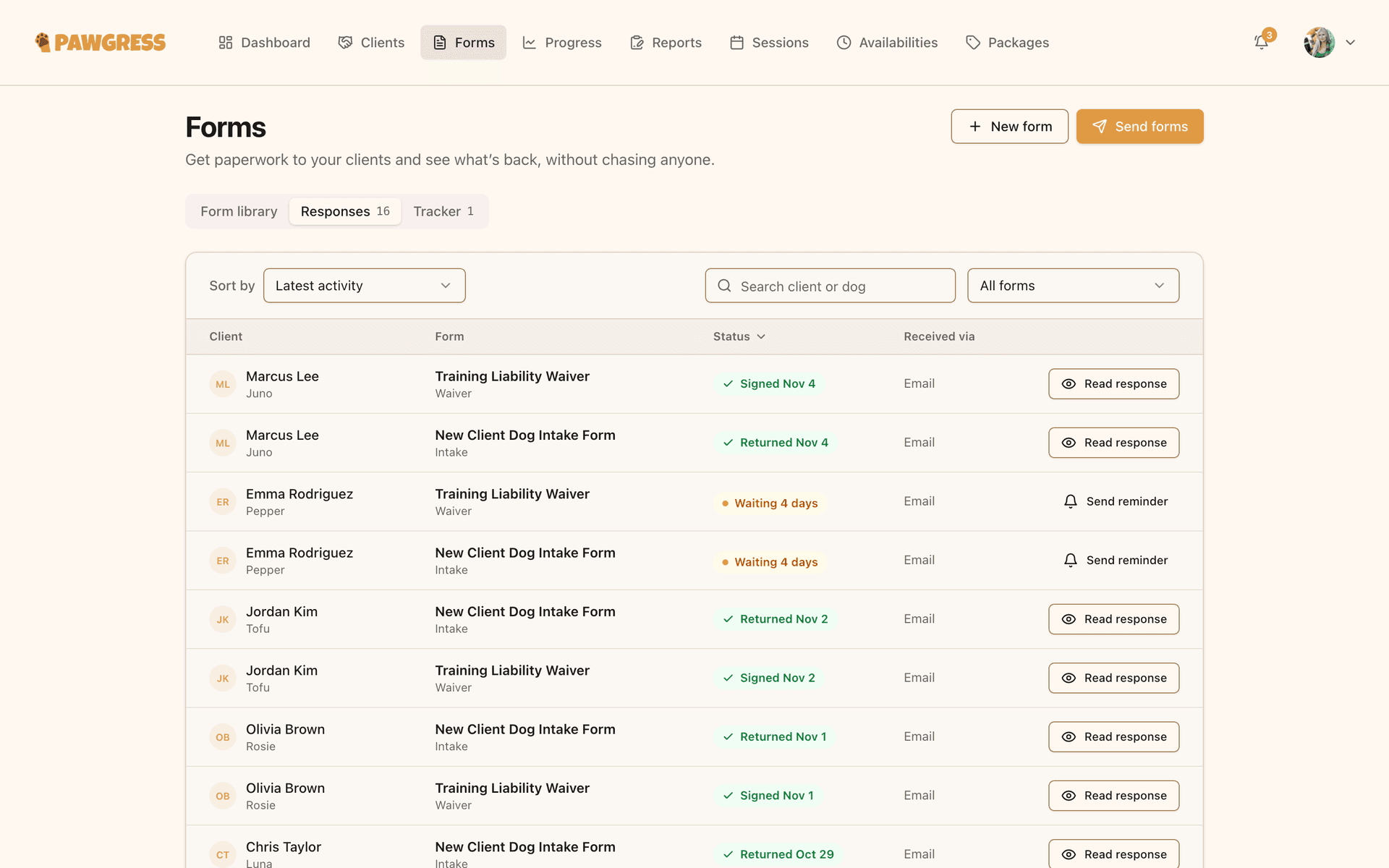
No more sticky notes, spreadsheet gymnastics, or lost intake forms. Pick a feature to see it in action.
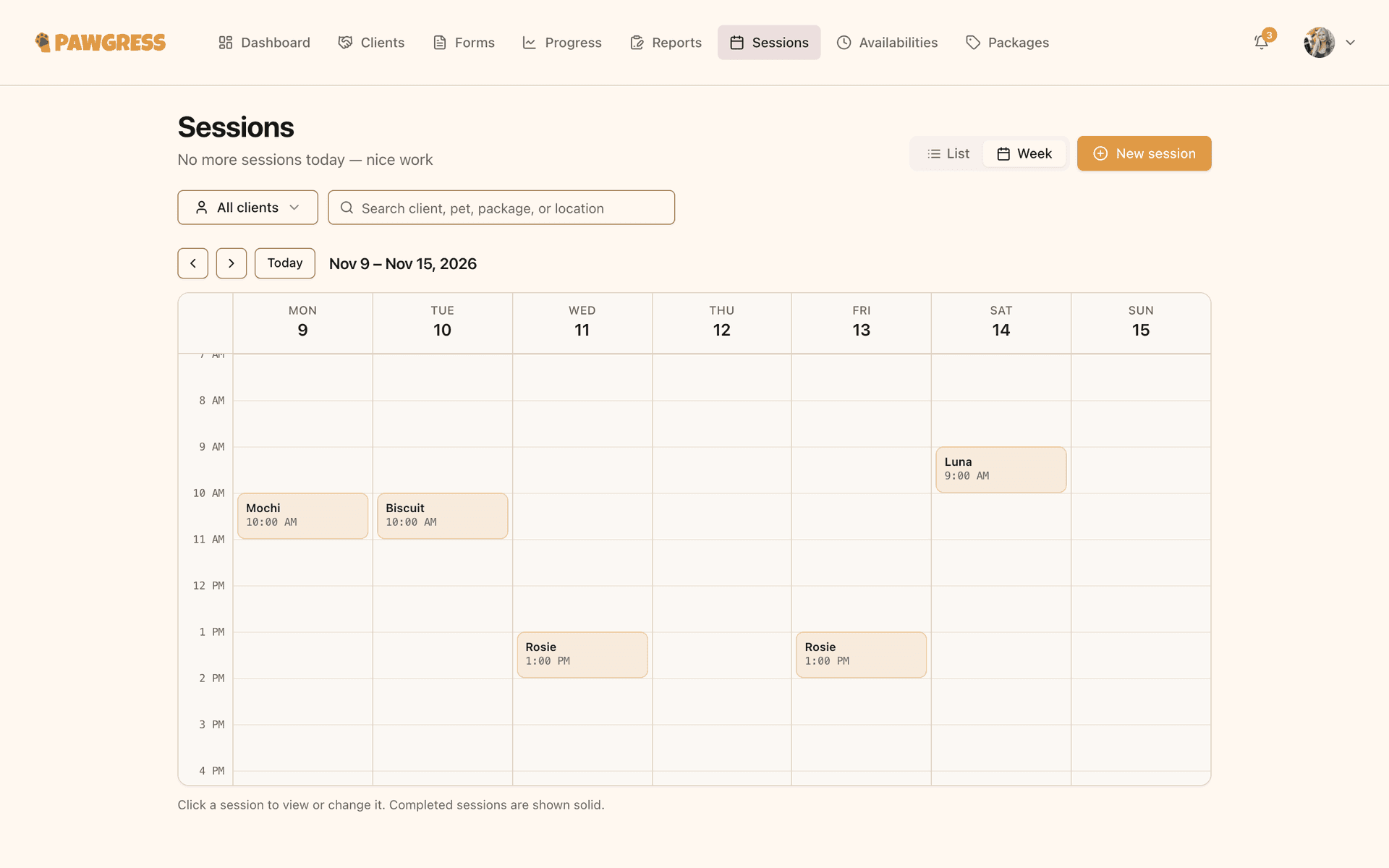
Your command center
See today’s sessions, recent client activity and what needs your attention the moment you log in.
 Pawgress for ChatGPT
Talk through the session. Get the report.
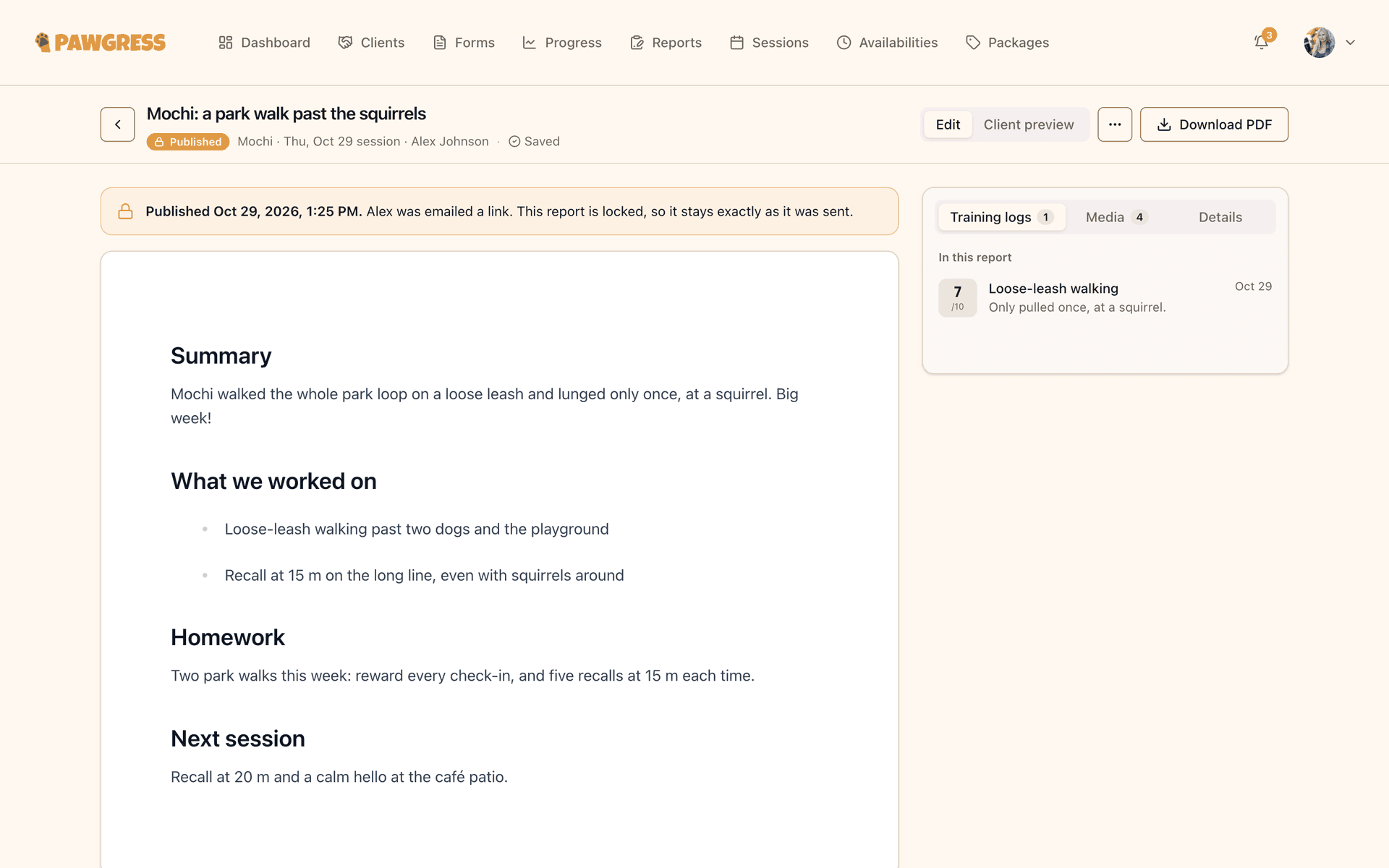
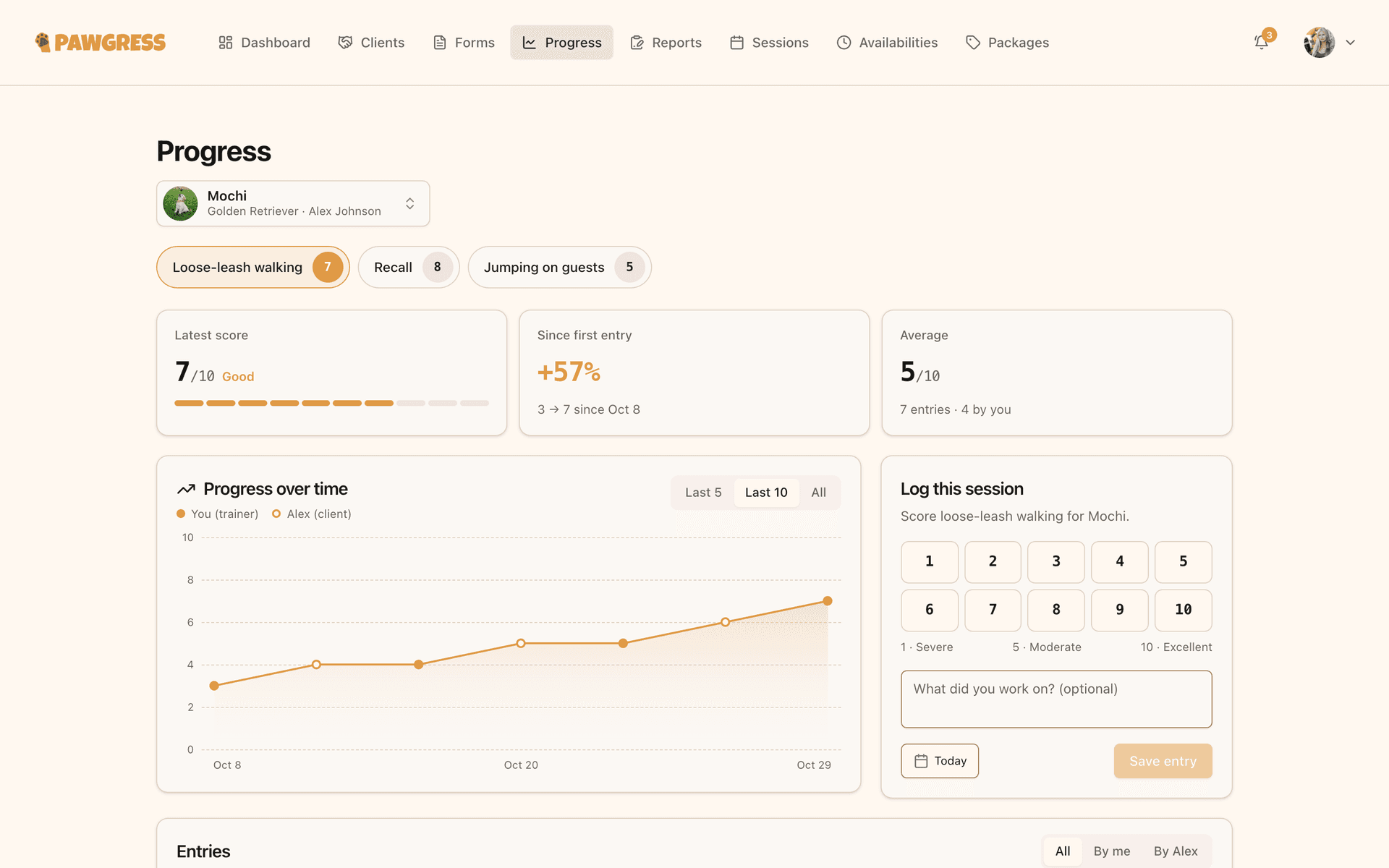
Tell ChatGPT how a session went in your own words, typed or dictated on your phone on the way out. It reads the dog’s behaviors, recent progress and past reports, then saves a draft that follows your report template.
Describe the session
What improved, what didn’t, and the homework, in any order.
ChatGPT finds the context
The right session, the dog’s breed and age, and the scores you’re tracking.
You review and publish
Your client sees nothing until you hit publish.
- Only saves drafts. Publishing is always yours.
- Never sees contact details, payments or health records.
- Uses your own ChatGPT plan. Nothing extra to pay.
ChatGPTWrite up today’s session with Bella in Pawgress: loose-leash walking is much better, she still lunges at bikes. Homework: 10 minutes of pattern games a day.
I’ve saved a draft report on Bella’s session, following your template. Have a look before you publish:
Bella · Loose-leash & reactivity
Tue, Nov 3 · 10:00
Summary
Big step forward on loose-leash walking. Bella held position for most of the route. Bikes are still the main trigger.
Homework
10 minutes of pattern games a day before next session.
Integrations
Plays nicely with your favourite tools
Connect in a couple of clicks. Your calendar, meetings and payments stay in sync without the copy-paste.
Your calendar, handled
Every session you book in Pawgress syncs to Google Calendar automatically. One calendar to check, never two to update.
- 09:00Puppy Basics · Group
- 11:30Bella · 1-on-1
- 14:00Max · Virtual consult
SquareGet paid your way
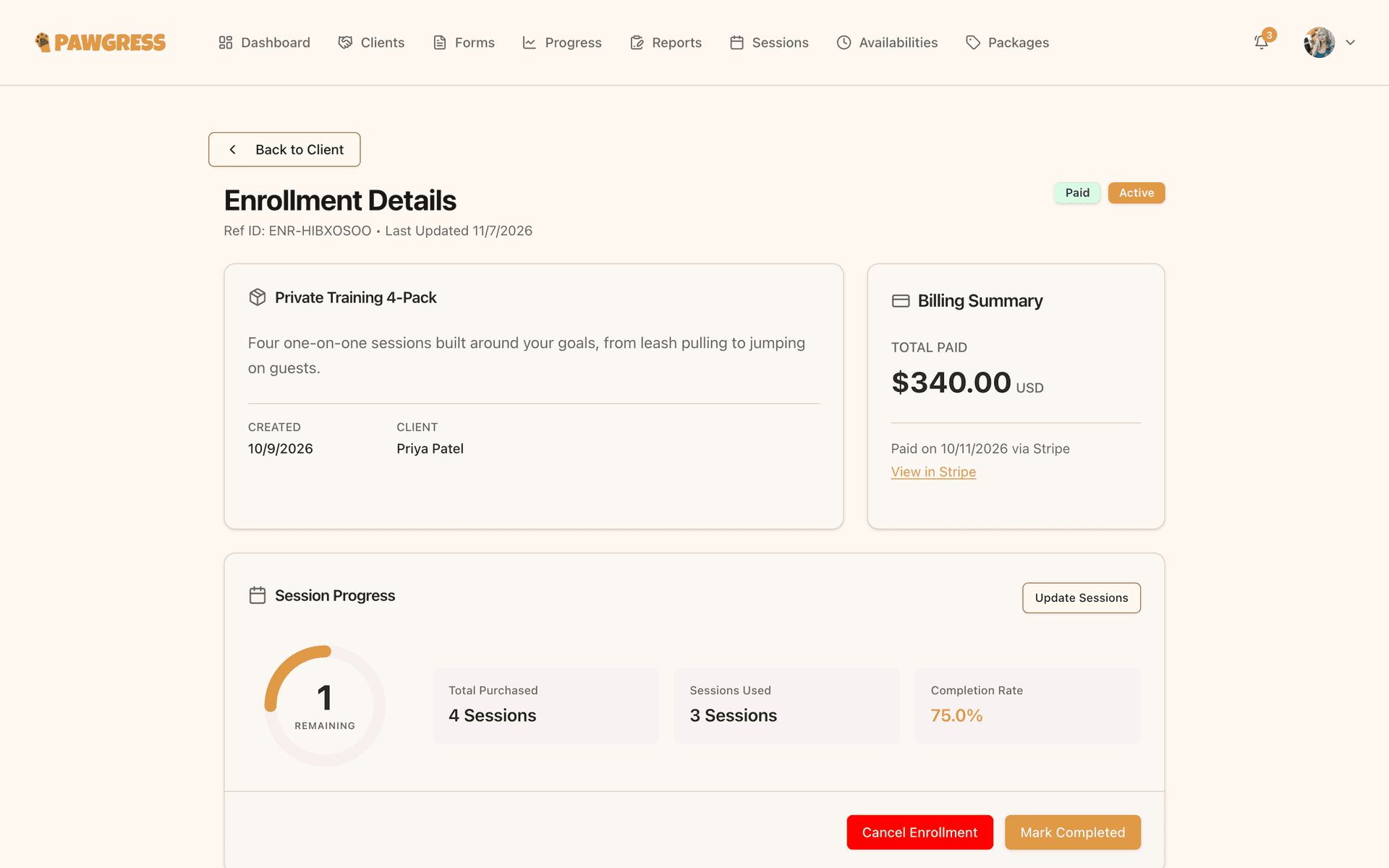
Take deposits, packages and invoices through Stripe or Square. Connect both and choose which one handles payments.
Virtual sessions, link included
Schedule a virtual session and Pawgress creates the Zoom or Google Meet link and shares it with your client.
Max · Virtual consult
Meeting link sent to client
Send from your own address
Client messages go out through your Gmail or any mailbox over SMTP, so replies land where you already work.
Reports from a quick chat
Describe a session in ChatGPT and a draft report lands in Pawgress, ready for you to review.
Frequently asked questions
Questions dog trainers ask before switching to Pawgress.
Ready to streamline your dog training business?
Join hundreds of trainers who are saving time, impressing clients, and growing their business with Pawgress.
